

Powerful under the hood. Invisible everywhere else.
Every feature exists to answer one question: which version of your page brings you more customers? Here’s how Spliteezy gets you the answer, without slowing your website down or making you learn anything new.
- No code needed
- Works with your builder
- Free for one WordPress website
You decide what winning means
Every test is scored against a goal you choose: a simple click, a finished checkout, and everything in between. Eight goals are live today, with a ninth on the way. Here’s each one in plain English, and the moment to reach for it.
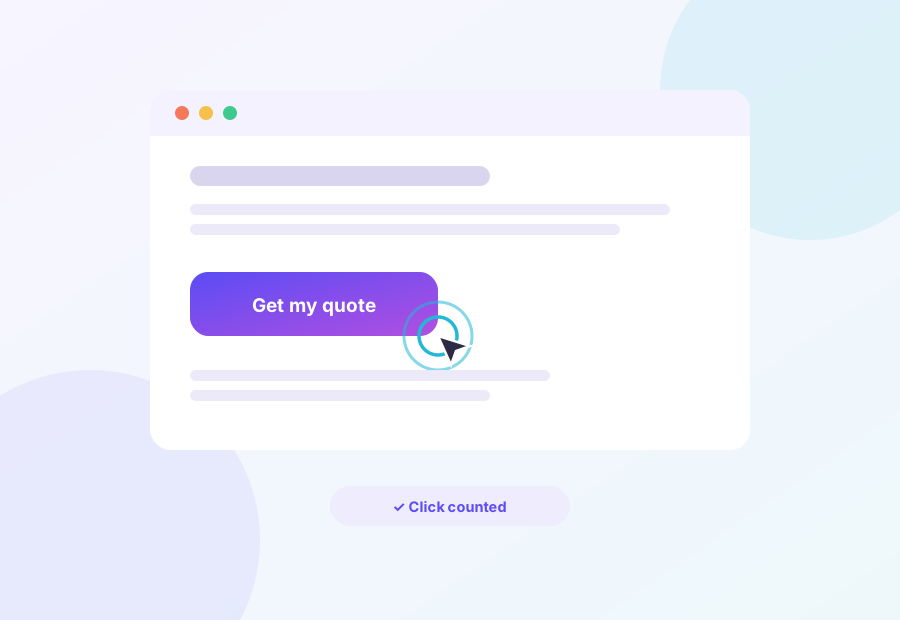
Find out which ask actually gets clicked
Pick any button, link or image and Spliteezy counts every visitor who acts on it. Two headlines, two button colours, two offers. Stop debating it in meetings and let the clicks settle it.
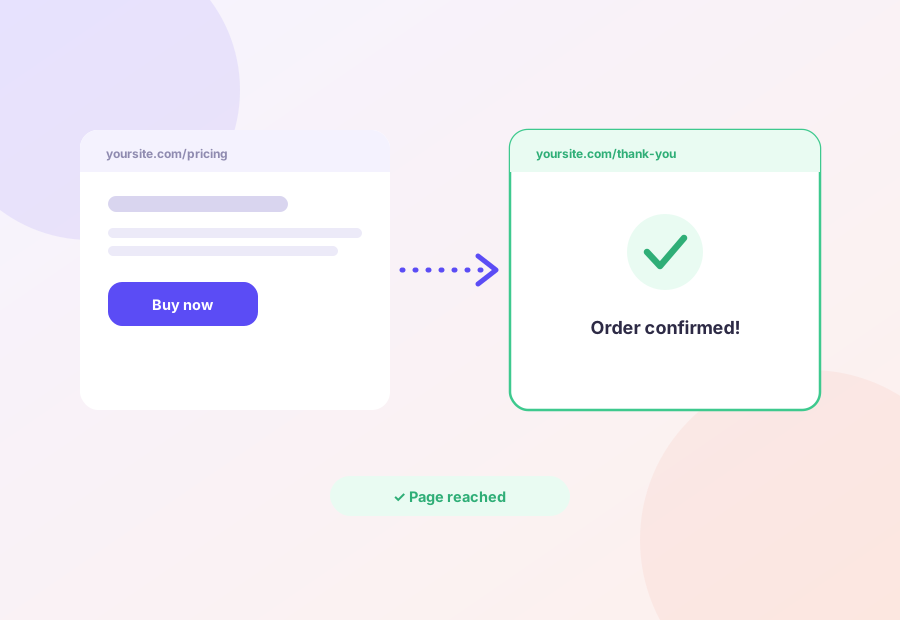
Follow visitors all the way to the money
A win counts when someone lands where it pays: the checkout, the booking confirmation, the thank-you page. A prettier page that sells less isn’t a winner; this goal measures the whole journey, not just the first click.
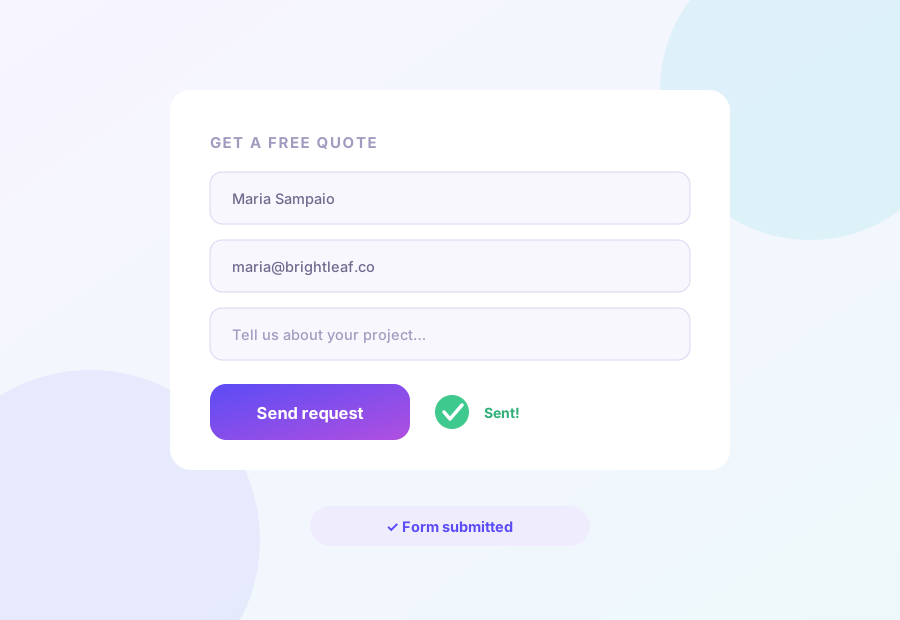
More sign-ups, fewer maybes
Contact forms, quote requests, newsletters: any form counts the moment it’s sent, whatever plugin built it. Test your long form against a shorter one and find out what every extra field is costing you.
Stop guessing. Start measuring.
Every goal on this page is one free account away from being tested on your real visitors.
Learn where your page loses people
Draw a line at 50%, at 75%, or right before the pricing table, and count who crosses it. If version B carries twice as many readers past the fold, you’ve learned something no opinion in the room could tell you.

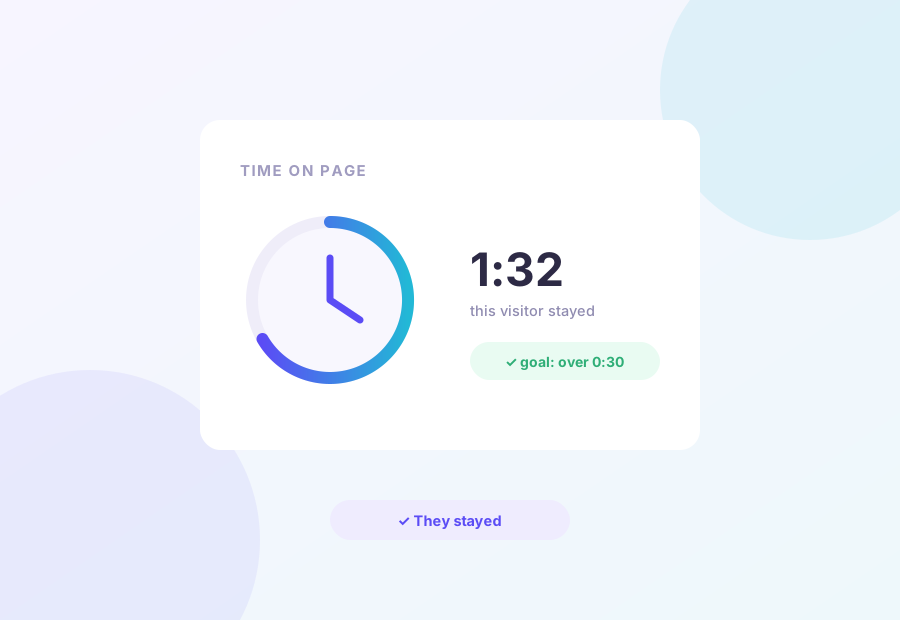
Separate the readers from the bouncers
A win only counts when someone stays as long as you decide: thirty seconds, two minutes, your call. Skimmers don’t move a business forward; this goal finds the version people actually sit with.
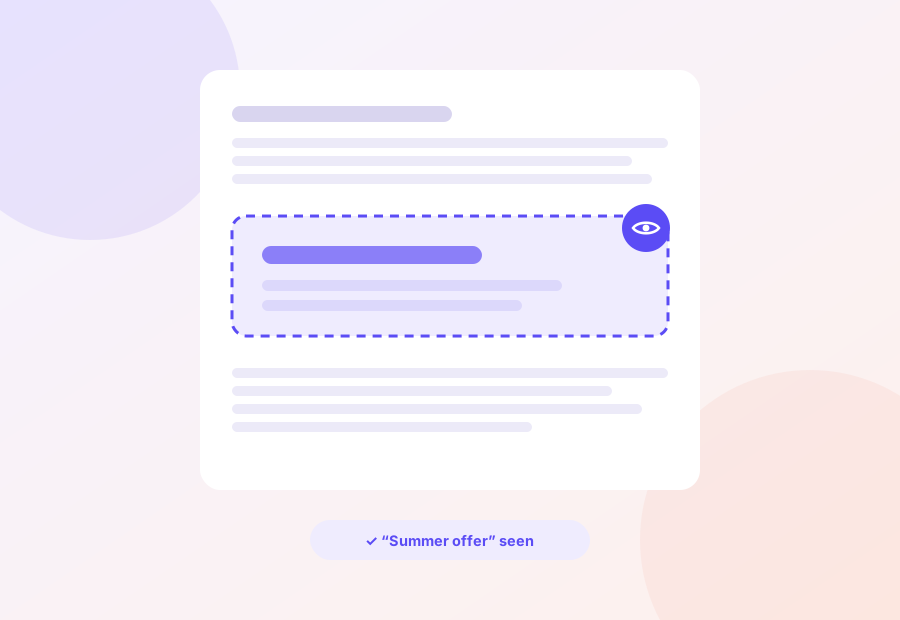
Make sure your best argument gets seen
A win fires the moment a chosen section appears on the visitor’s screen. The testimonial block, the guarantee badge, the discount banner you fought for. Finally know whether anyone scrolls far enough to meet them.
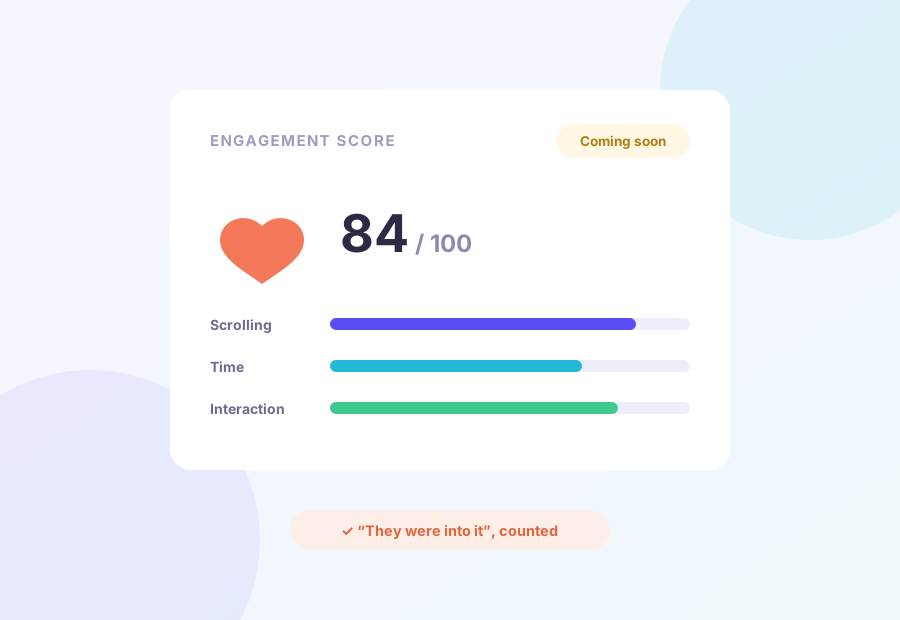
One number for “this page kept them”
Scrolling, time and interaction, blended into one score. When a page has no single button to click, like content, portfolios or About pages, this will be how you crown the version that holds attention. Landing soon on Pro and Agency.
Plays nicely with what you already use
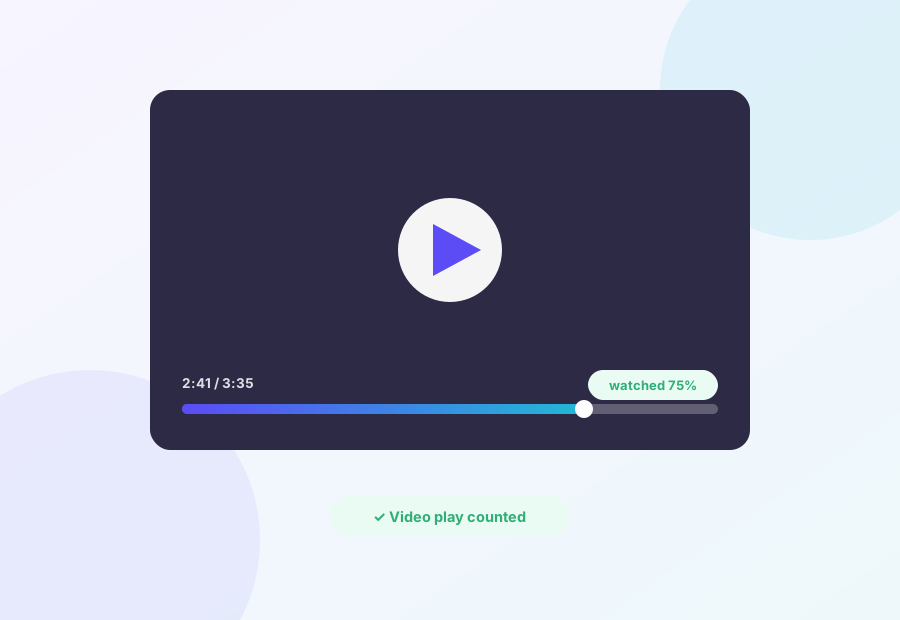
Prove the video earns its spot
Count plays on your YouTube and Vimeo embeds, or require “watched most of it”. Your call. That video was expensive; find out whether it sells the product or just slows the page.
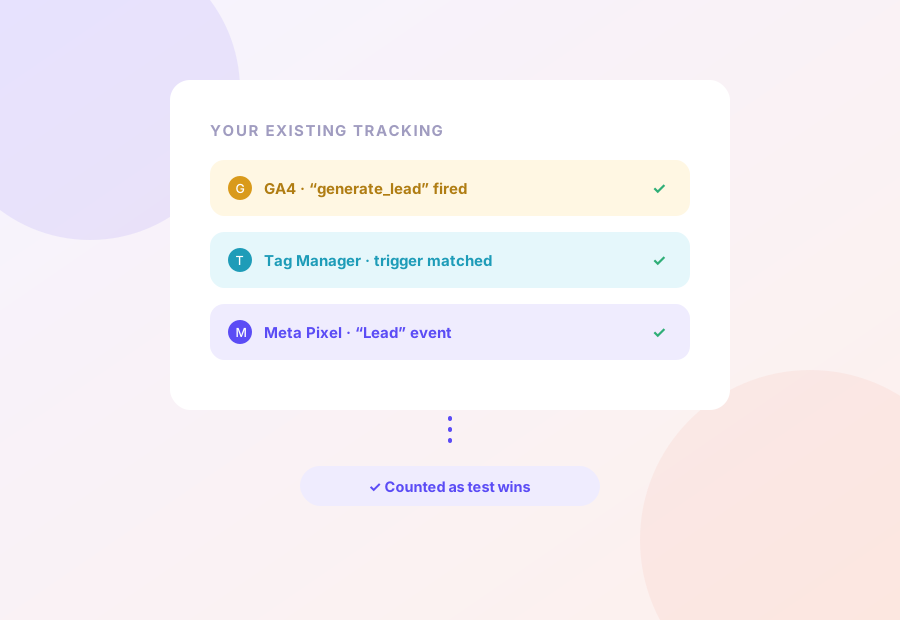
Your analytics already knows. Reuse it.
If Google Analytics, Tag Manager or the Meta Pixel already fires an event for it, Spliteezy can score a test with it. The tracking you spent weeks setting up finally does double duty, with zero extra setup.
Your website stays exactly as fast
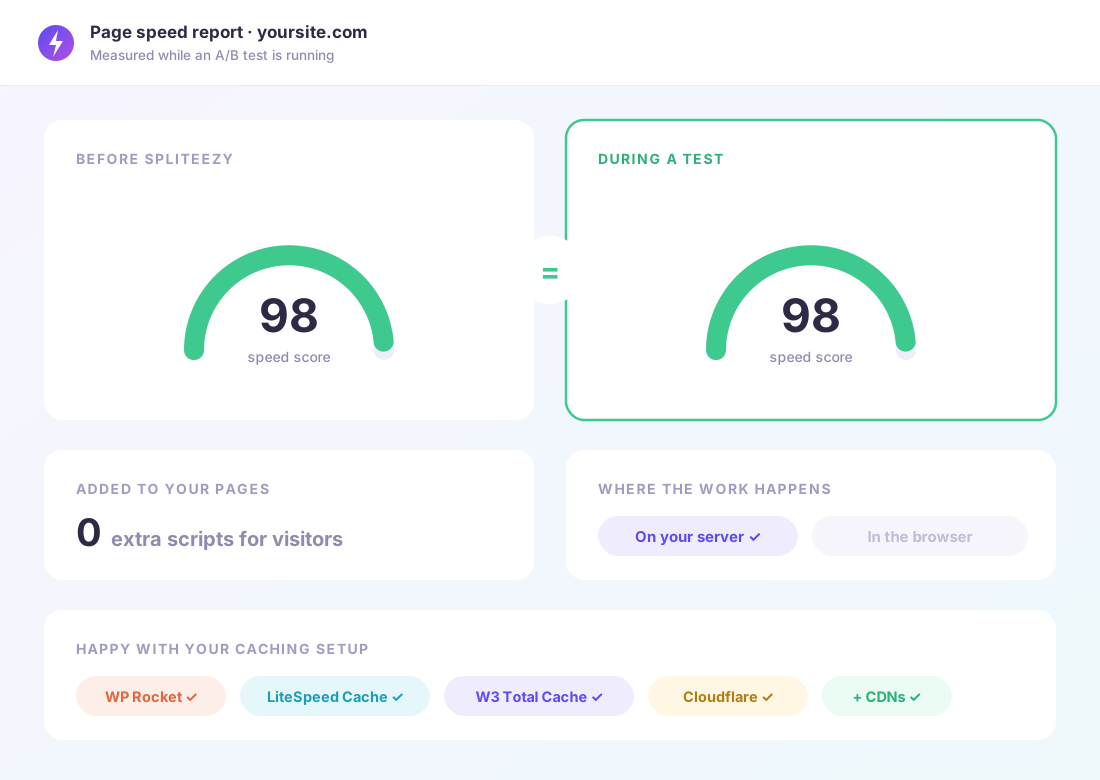
Speed sells: slow pages lose visitors and slip down Google. Most testing tools bolt something onto every page your visitors load. Spliteezy doesn’t: the choosing happens quietly on your server, so there’s nothing extra for anyone to download.
- Nothing added to what your visitors download
- Same speed score before, during and after a test
- Works with WP Rocket, LiteSpeed, W3 Total Cache and friends
- Happy behind Cloudflare and other CDNs
Every test, every website, one clean screen
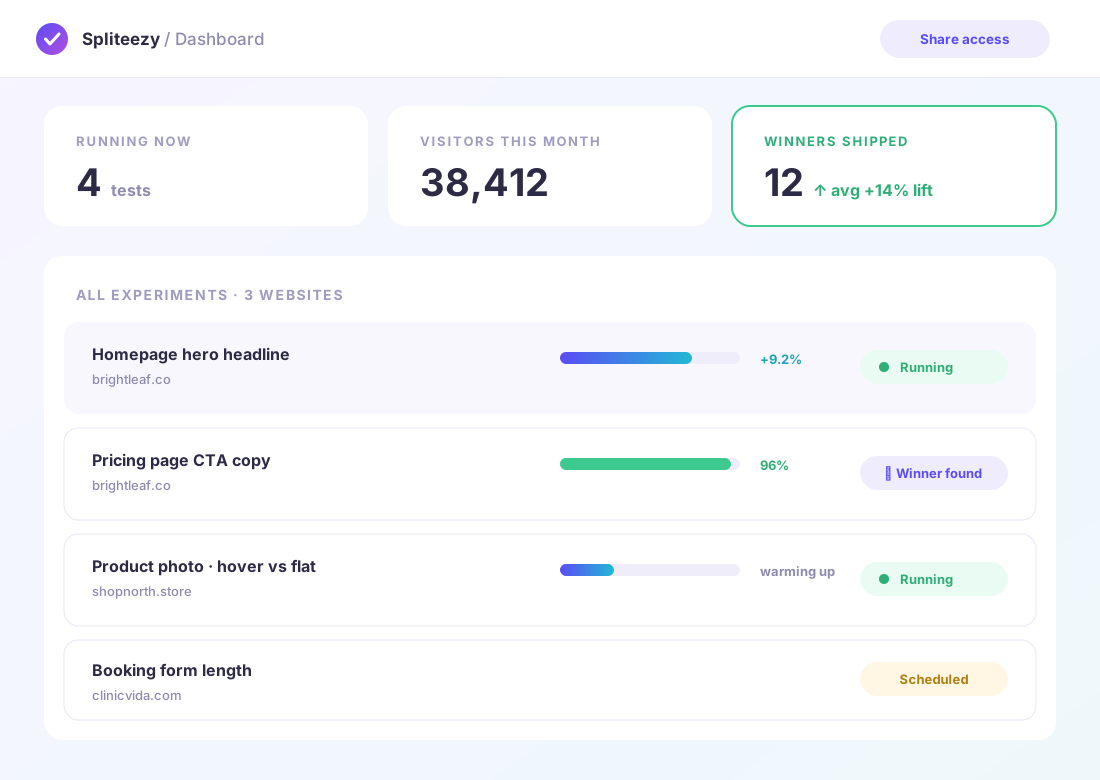
The Spliteezy dashboard is your window into every experiment, across every WordPress website you run. Check results from anywhere, pause or stop a test that’s done its job, and show the numbers to the people who should see them.
- Live results for every test, on every website
- Pause or stop a test from anywhere
- Share results without handing out WordPress logins
- Built for clients, bosses and teammates
From idea to live test in four steps
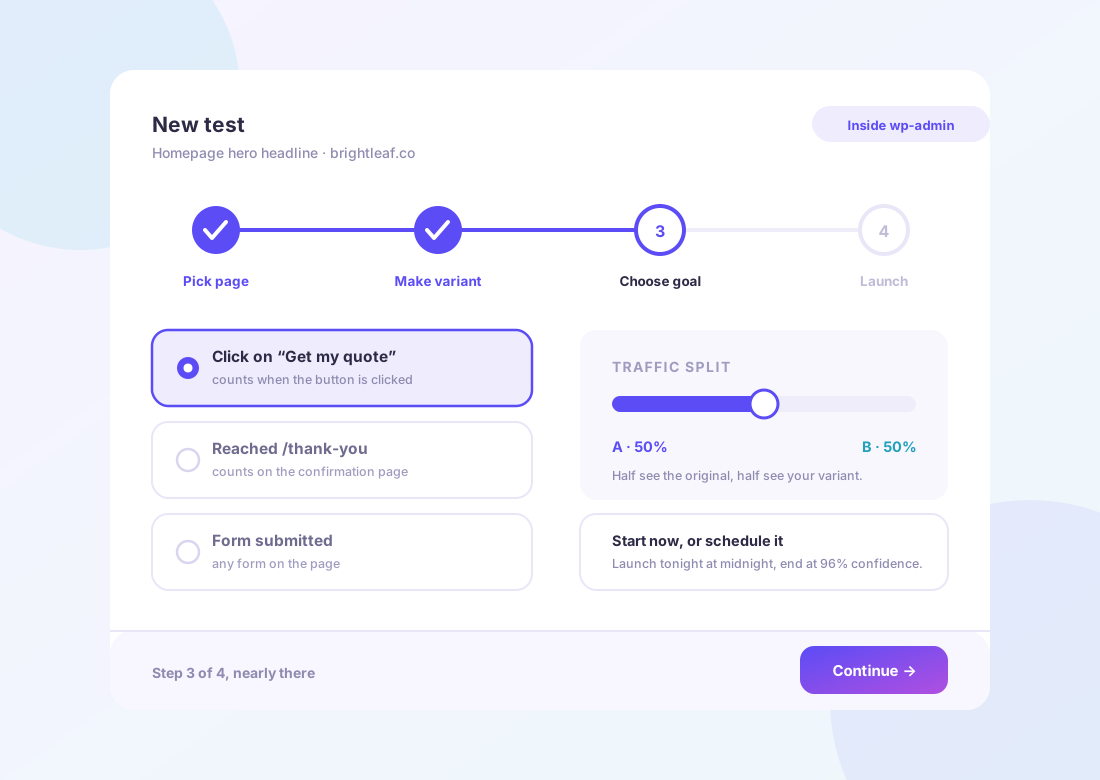
Pick the page, make your variant, choose the goal, hit launch. It all happens right inside WordPress, in the Spliteezy plugin, and the wizard walks you through your first one. After that, it’s muscle memory.
- Pick any page, post or product
- Edit the variant with your own builder
- Choose the goal and the traffic split
- Launch now, schedule for later, or save as a draft
Your testing workflow, inside WordPress
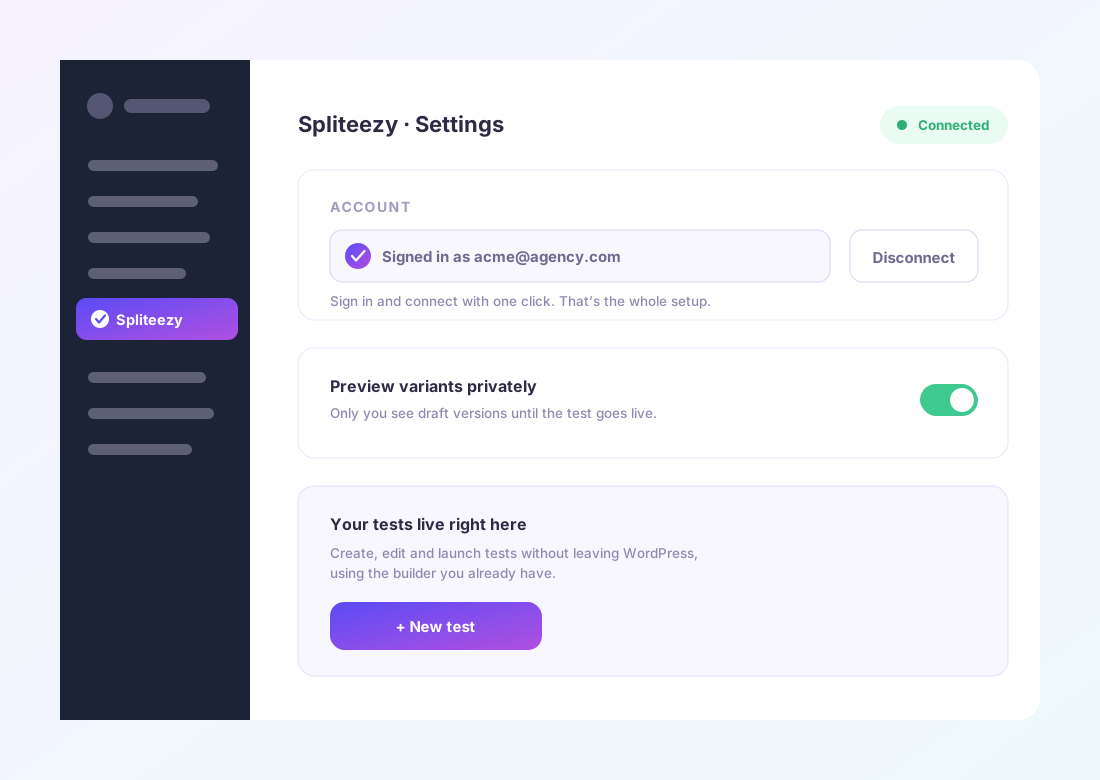
Sign in and connect with one click. From then on you create, edit and launch tests right inside WordPress, next to the pages you’re testing, with the builder you already use. The dashboard stays your shared window on the results.
- Setup is signing in and connecting, done in under a minute
- Create, edit and launch tests without leaving wp-admin
- Preview variants privately before a test goes live
- So lightweight your website barely notices it’s there
The best way to evaluate Spliteezy is to run it
Set up your first test in five minutes and let your own visitors pick the winner. No credit card, no sales call, no code.