How long does setup take?
Signing in and connecting the plugin is the whole setup; it usually takes under a minute.


Sign in and connect with one click. From then on you create, edit and launch tests right inside WordPress, next to the pages you’re testing, with the builder you already use. The dashboard stays your shared window on the results.
Sign in and connect with one click.
Elementor, Divi, Bricks, Gutenberg and others, whatever you already use.
Built so your website barely notices it’s there.
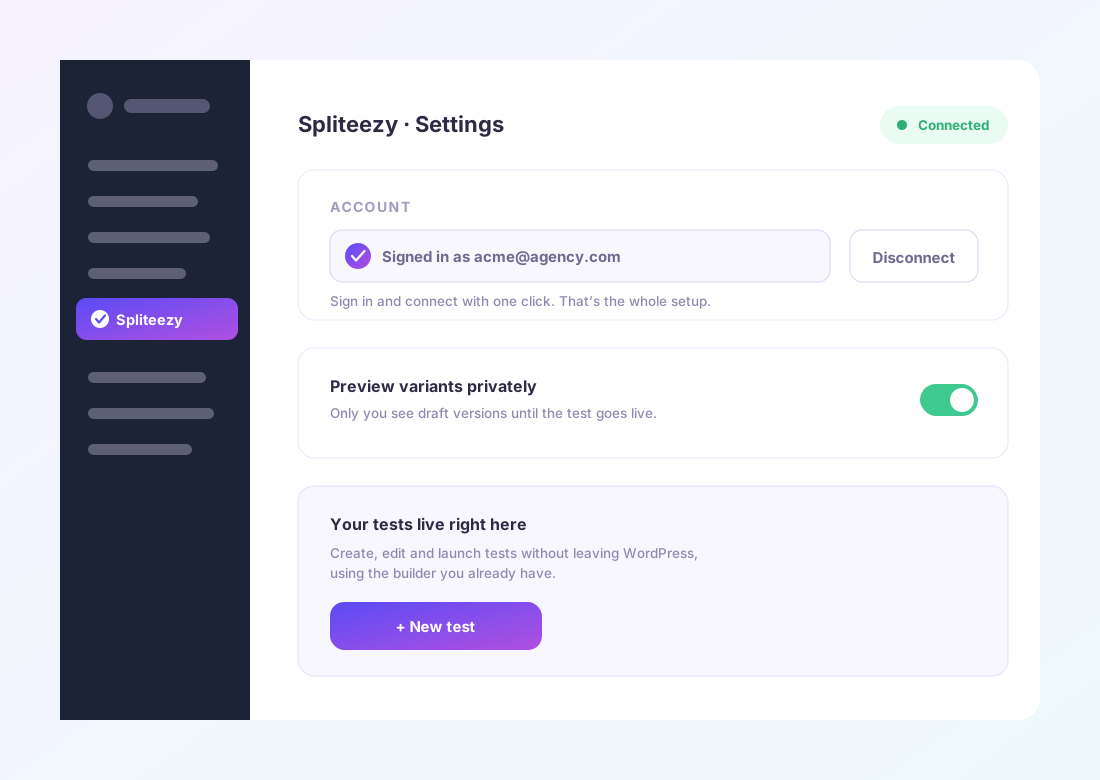
Create, edit and launch tests without leaving wp-admin.
Preview a variant privately before a test goes live.
Connect the plugin on every WordPress website you run.
Signing in and connecting the plugin is the whole setup; it usually takes under a minute.
No. Tests are created, edited and launched right inside wp-admin, next to the pages you’re testing.
No. It’s built to be lightweight and your website shouldn’t notice it’s there.
Sign in, connect with one click, and start creating tests right inside WordPress.